Bursary System
Feature Summary
The bursary feature allows attendees to apply for financial assistance directly through the event platform. Organizers can review, approve, or reject applications to ensure accessible participation for all.
Who can use this feature
All organization members are allowed to enable and review bursaries
How to enable bursaries
- Create or Edit an Event
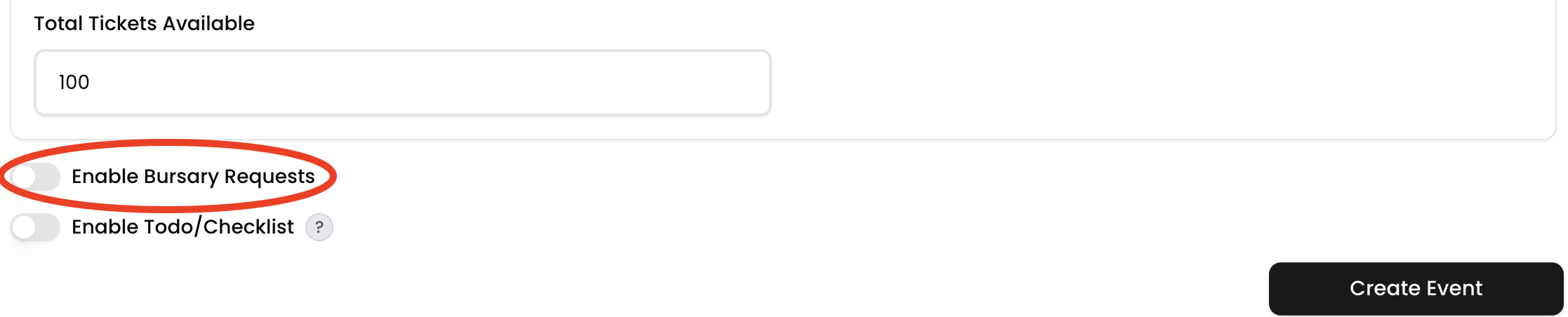
Begin by creating a new event or editing an existing one. - Toggle on “Bursary Request”
Enable the bursary option to allow attendees to apply for financial support.
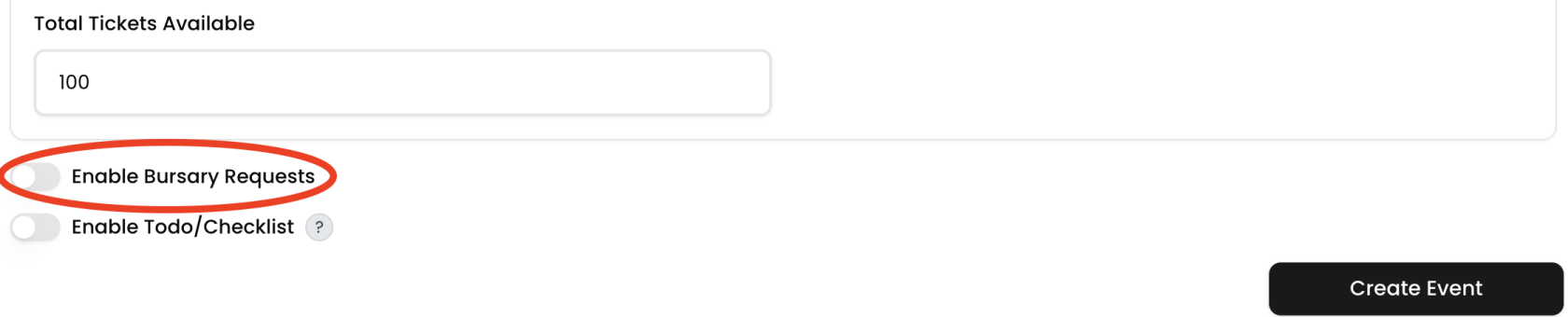
-
Choose Bursary Type
-
Choose Your Amount: Attendees can request a custom amount.
-
Set Amount: You define a fixed amount per bursary.
-
- Set the Amount (if using a fixed bursary)
Enter the value to be awarded per approved request. - Add a Description (if using a fixed bursary)
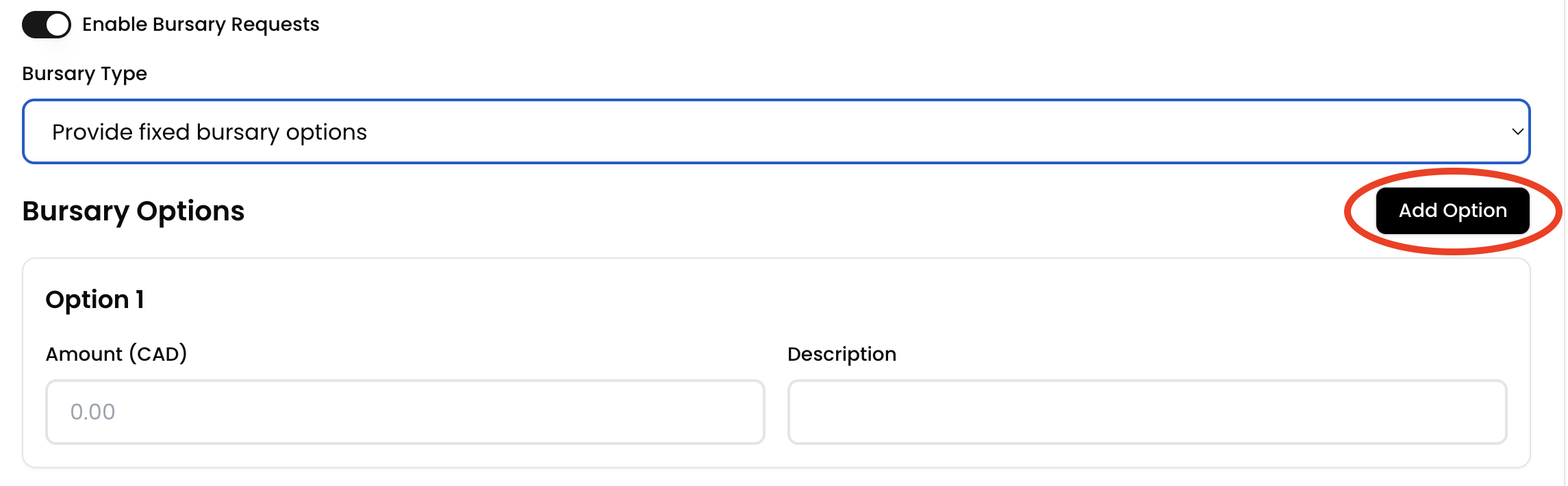
Provide context or eligibility criteria for the bursary. - (Optional) Add More Bursary Options
Include additional bursary types or tiers if needed.
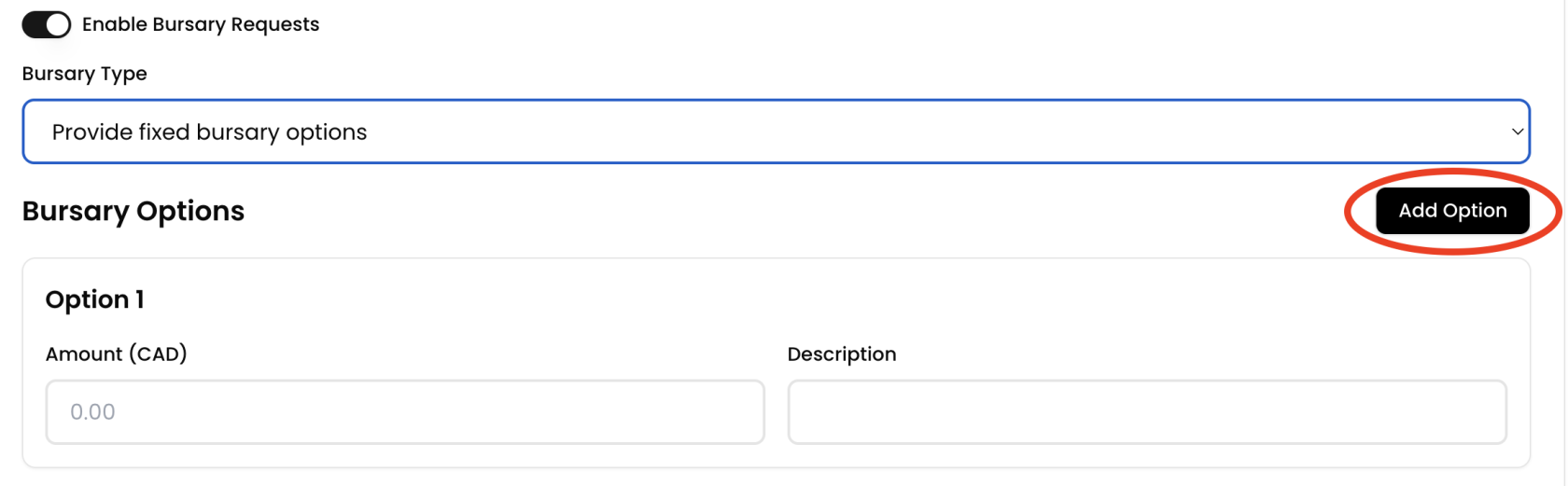
- Save Changes / Create Event
Finalize your event setup with bursary options included.
Review Bursary requests
- Log in to your organization
Ensure you're signed in to your organization. - Navigate to the Transactions Tab
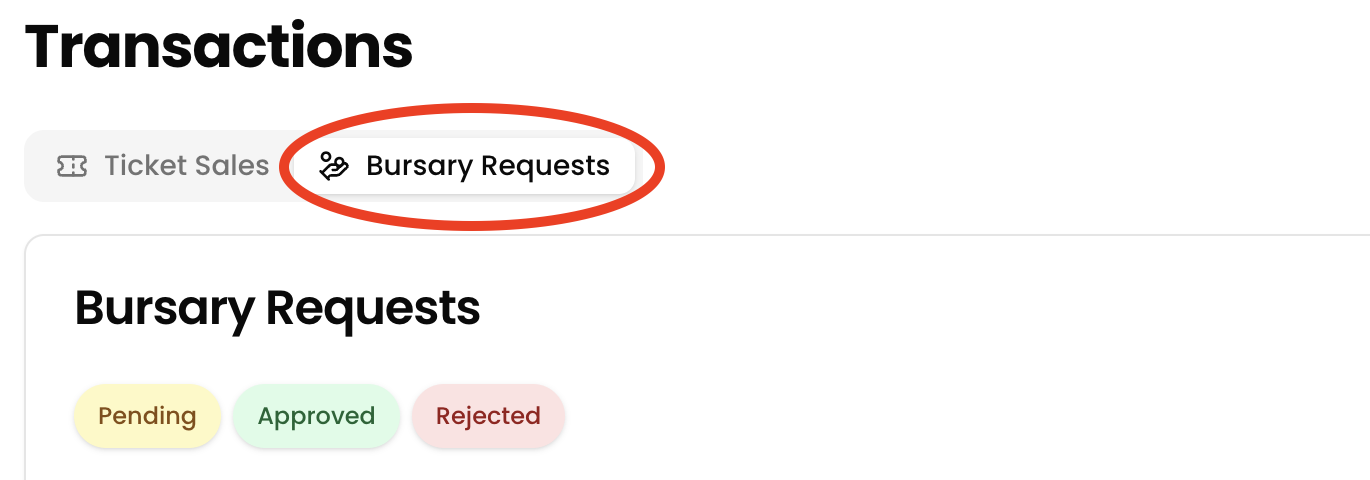
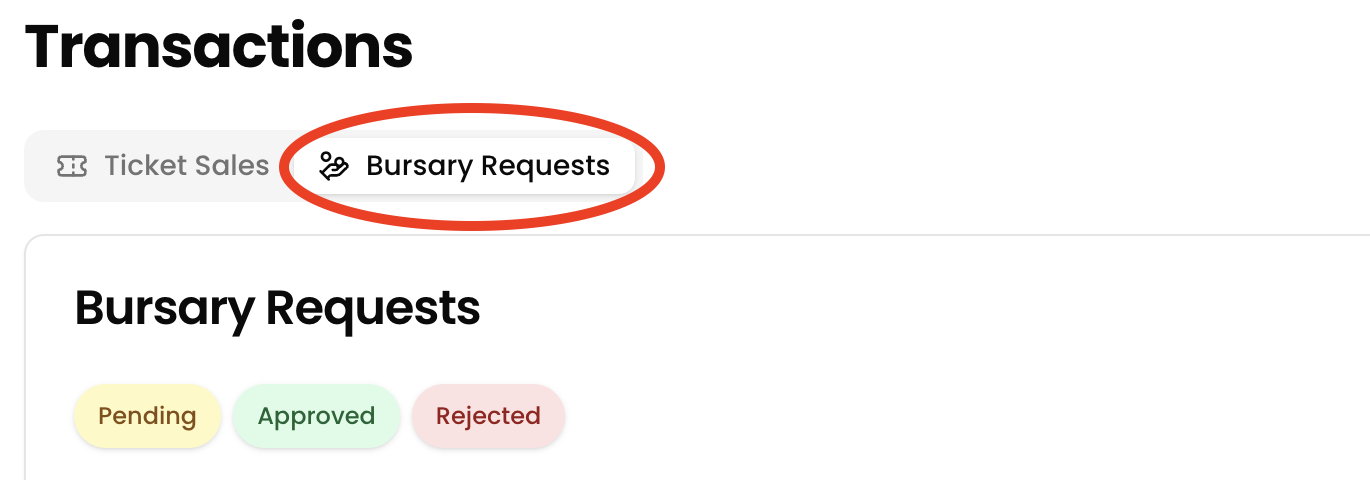
Use the sidebar to access the Transactiontabsection. - Open the Bursary Requests Tab
Click on theBurseryBursary Requests tab to view all incoming applications.
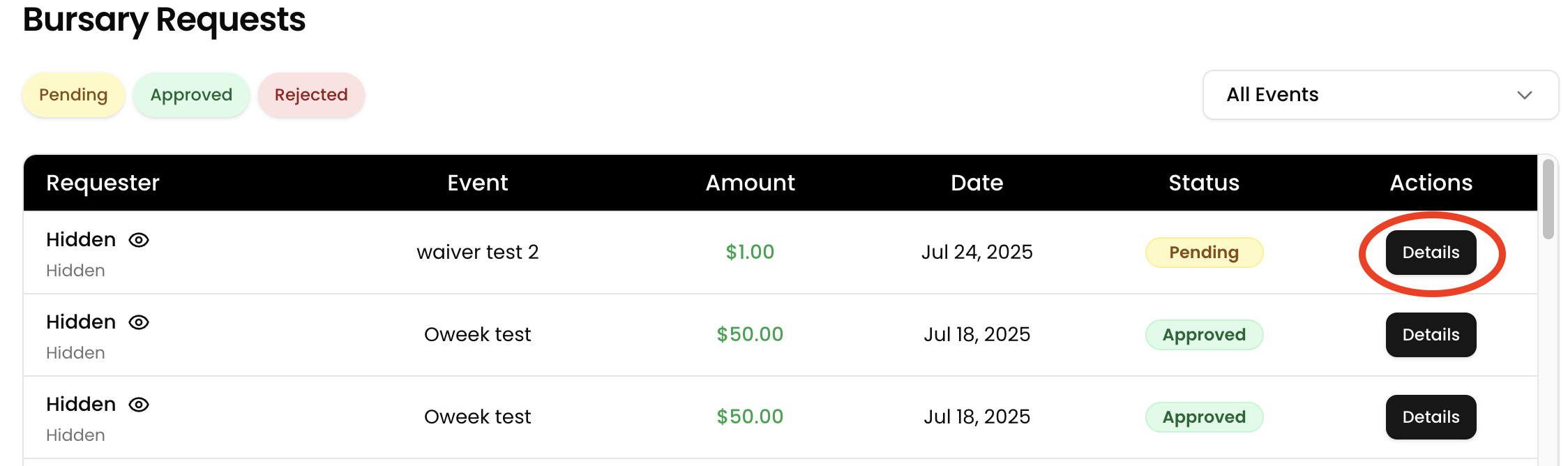
- Locate a Request
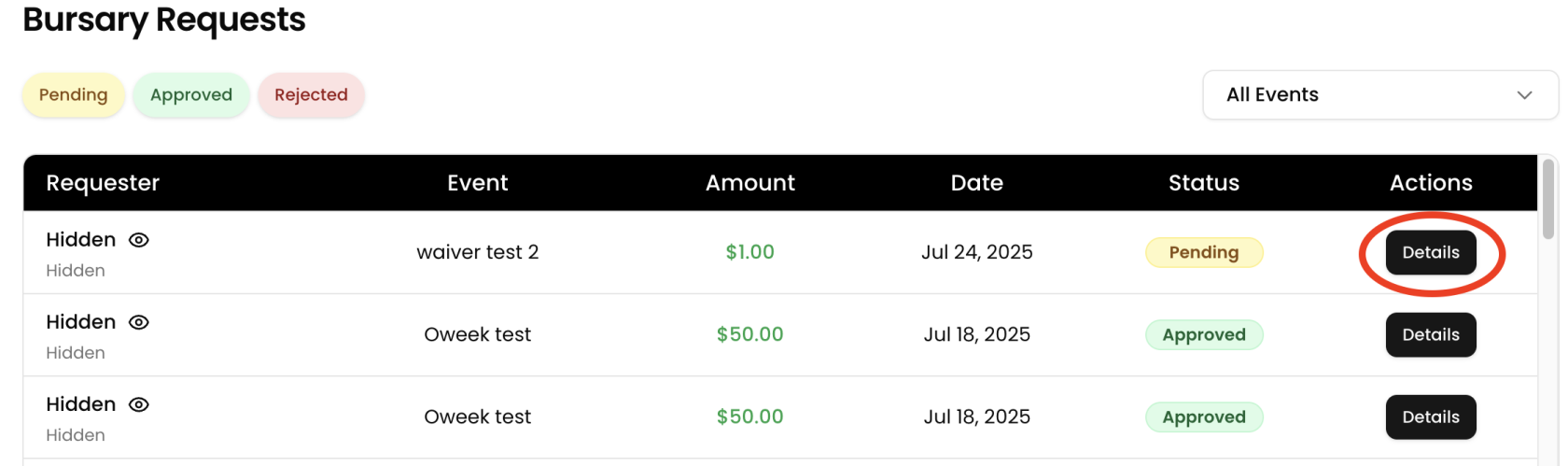
Find theburseryspecificyoubursarywouldrequest you’d like toreviewreview. - Click
on“Details”
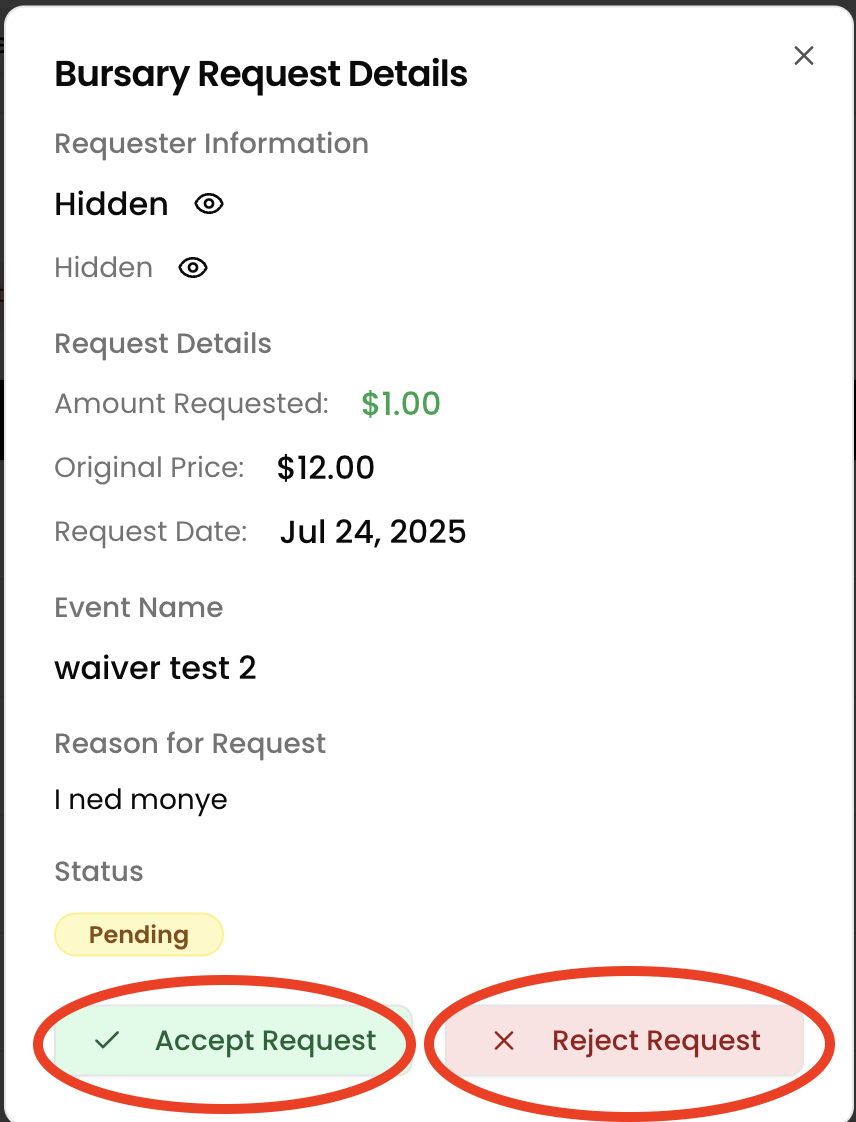
Viewdetailsthe full application, including the requested amount and any supporting information.
- Review the
requestRequest
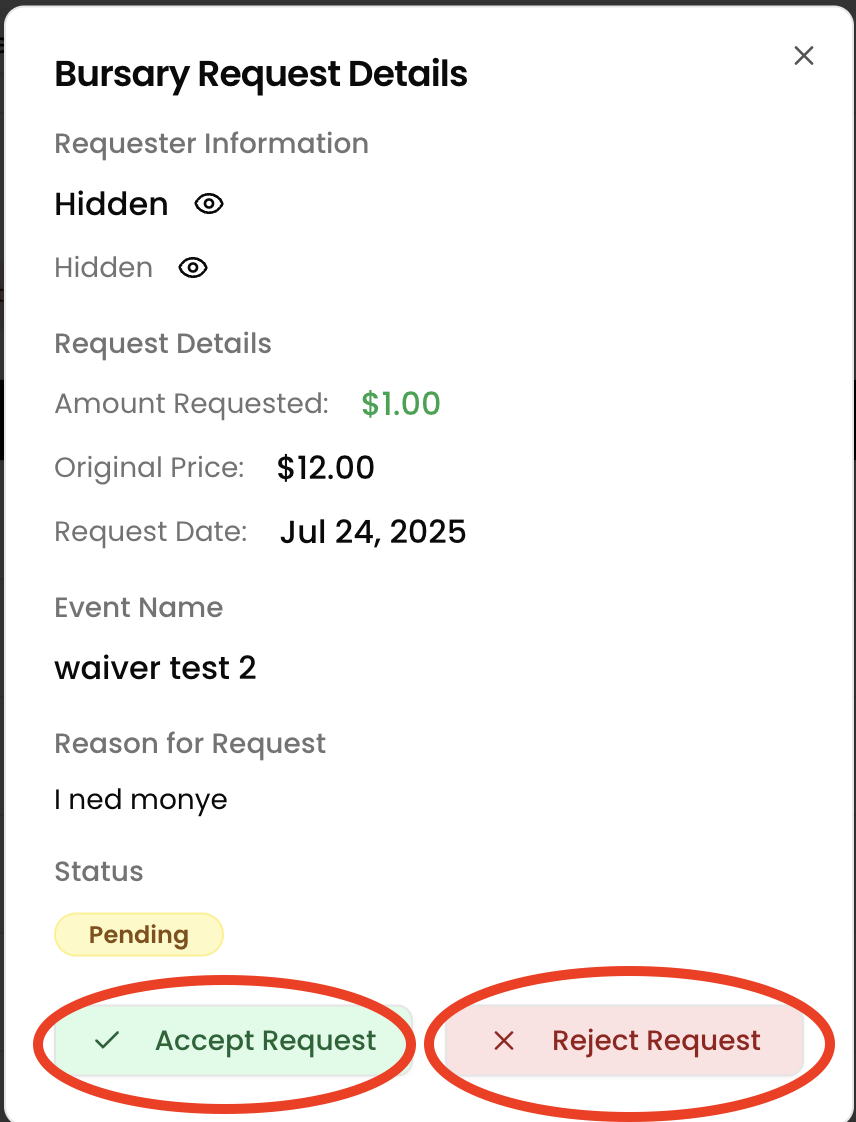
Assess the information provided to determine eligibility. - Approve or
rejectReject
Click Approve to grant the bursary or Reject if the request doesn’t meet the criteria.