Creating/Editing an Event
Feature Summary
This guide walks you through the steps to create a new event in TriEvents, including adding event details, setting up ticket tiers, and enabling optional features.
Who can use this feature
All organization members are allowed to create and edit events.
Video Tutorial
How to Create an Event
- Log in to your organization
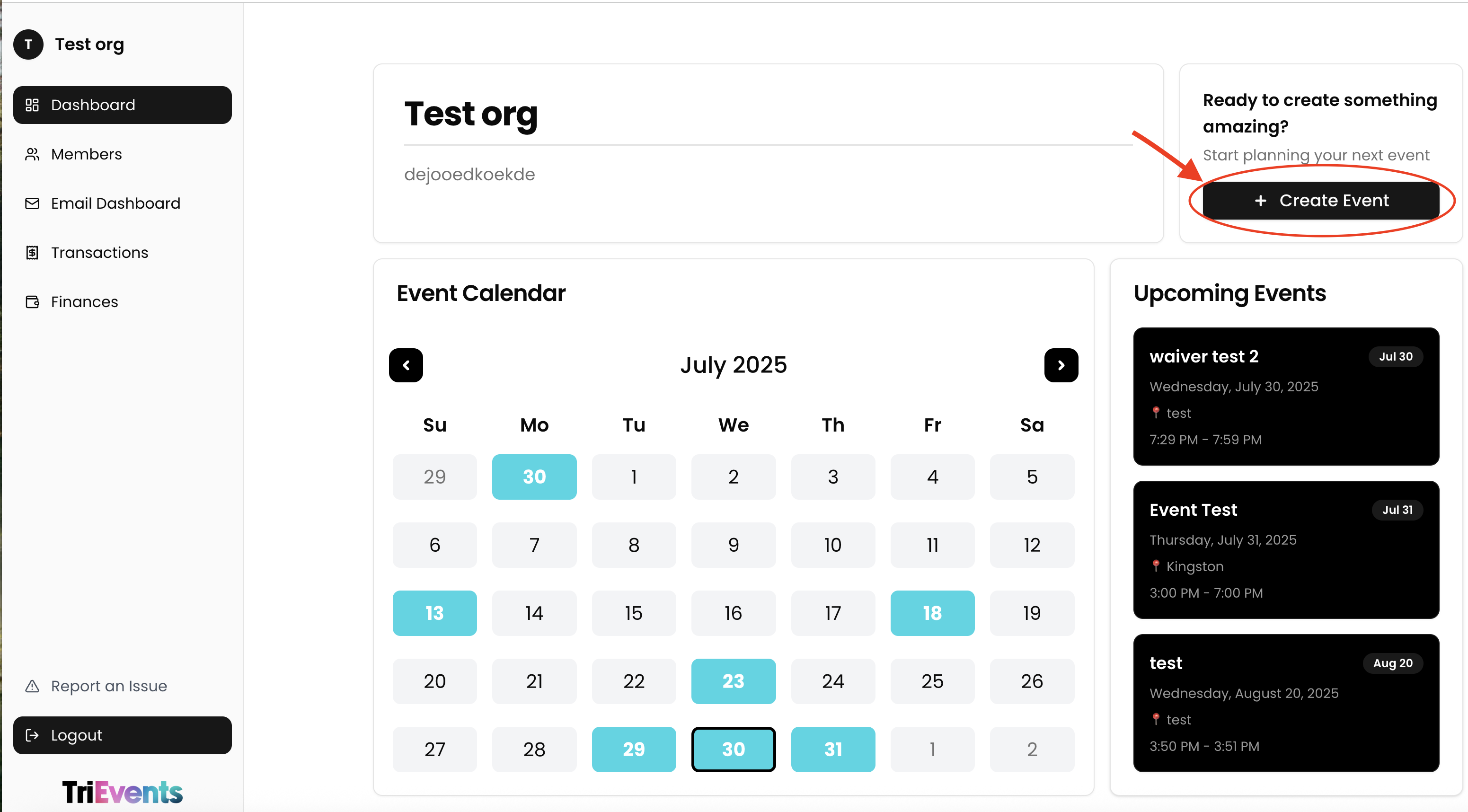
Ensure you're signed in to your organization. - Navigate to the Events Dashboard
Use the sidebar to access the Dashboard section. - Click "Create Event"
Select the Create Event button to begin setting up a new event.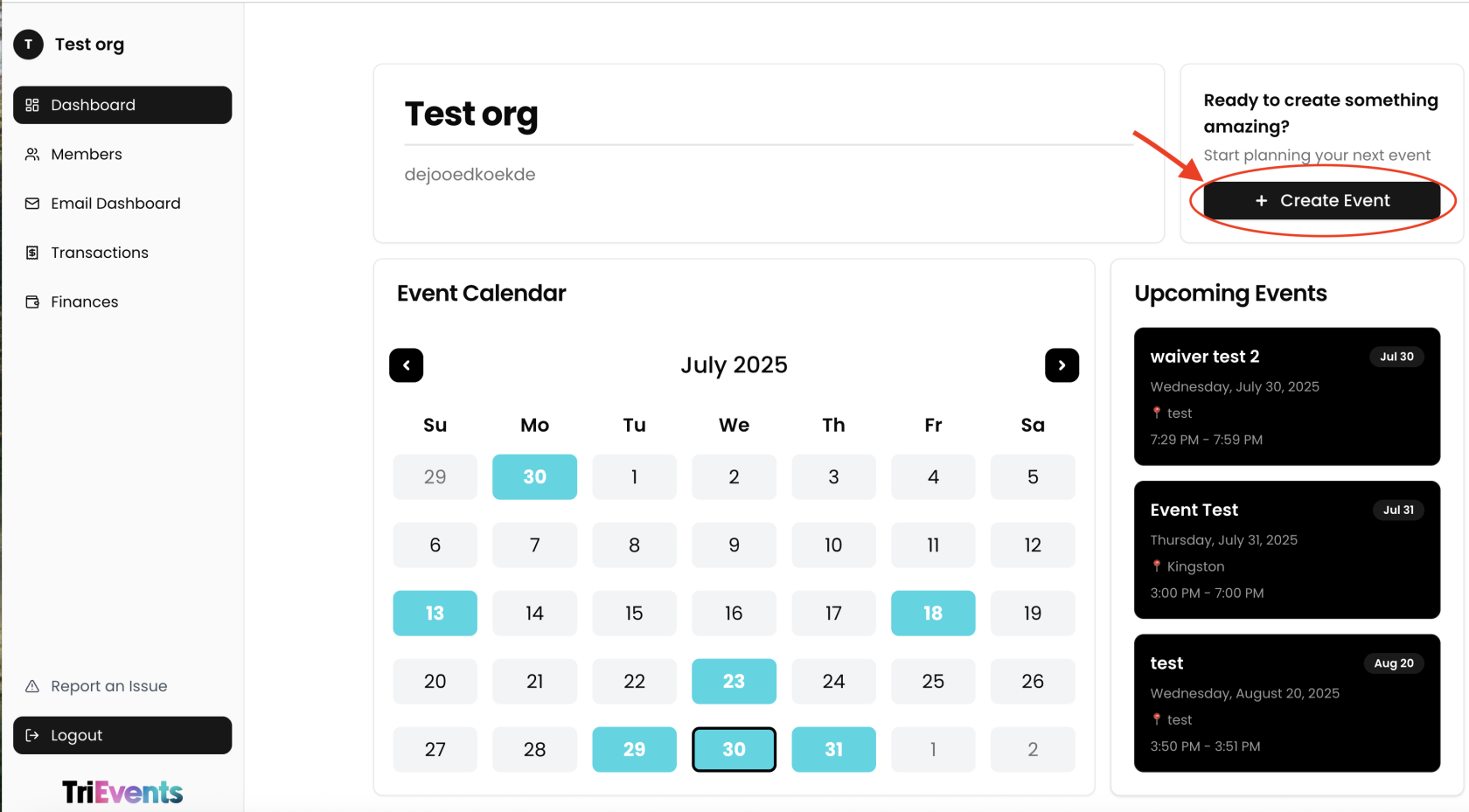
- Fill in Event Details
Provide the following information:
- Title: The name of your event
- Description: A short description of the event
- Date: The day the event takes place
- Location: Where the event is being held
- Start and End time: When the event begins and ends
- Contact Email & Phone: For attendee questions or concerns
- Create your ticket tiers
You can add one or more ticket tiers. For each tier, fill out:
-
- Name of the Tier (e.g., General Admission, VIP)
- Price: Cost per ticket
- Description: Details about what this tier includes
-
- Optional Features
Enable additional tools as needed:
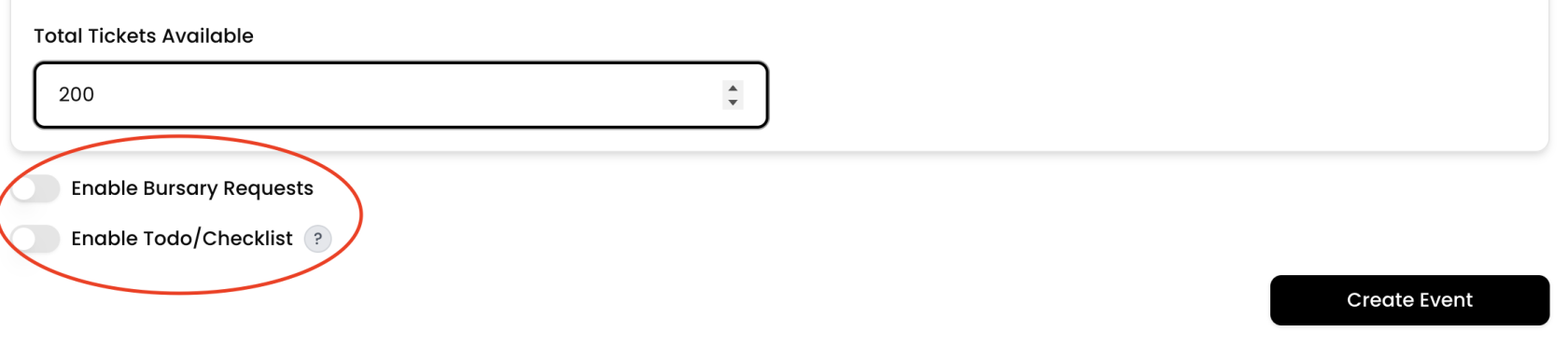
- Email Templates: Add a custom message to the ticket confirmation email
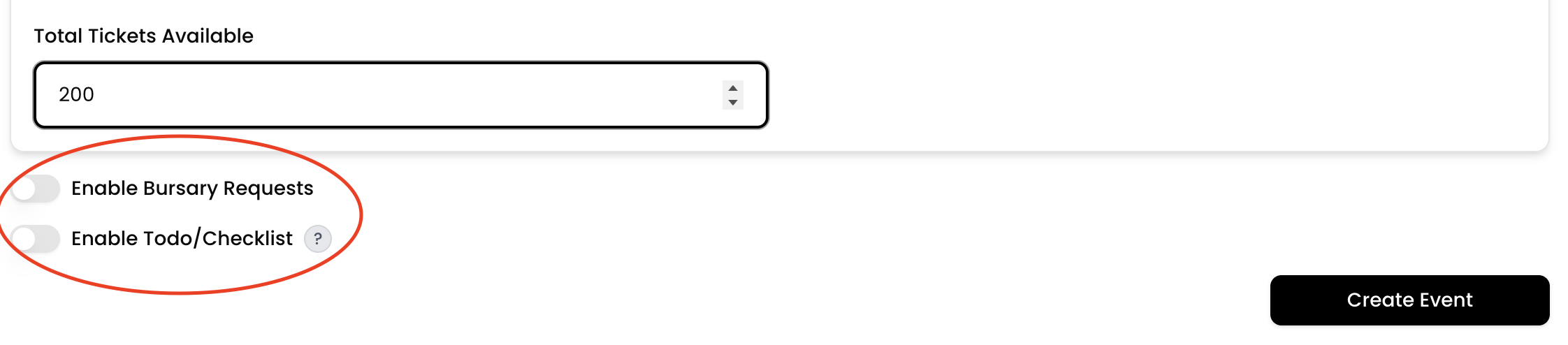
- Pre-Event checklist: Create a list of tasks attendees should complete before the event
- Bursary System: Allow attendees to request a bursary
- Publish the Event
Click Create Event to publish the event
How to Edit an Event
Once an event is created, you can edit its details at any time to make changes or updates.
- Log in to your organization
Ensure you're signed in to your organization. - Navigate to the Events Dashboard
Use the sidebar to access the Dashboard section. - Find Your Event in the Calendar View
Use the calendar to navigate to the date of your event. - Click on the Event Date
This will display all events scheduled for that day. - Select Your Event
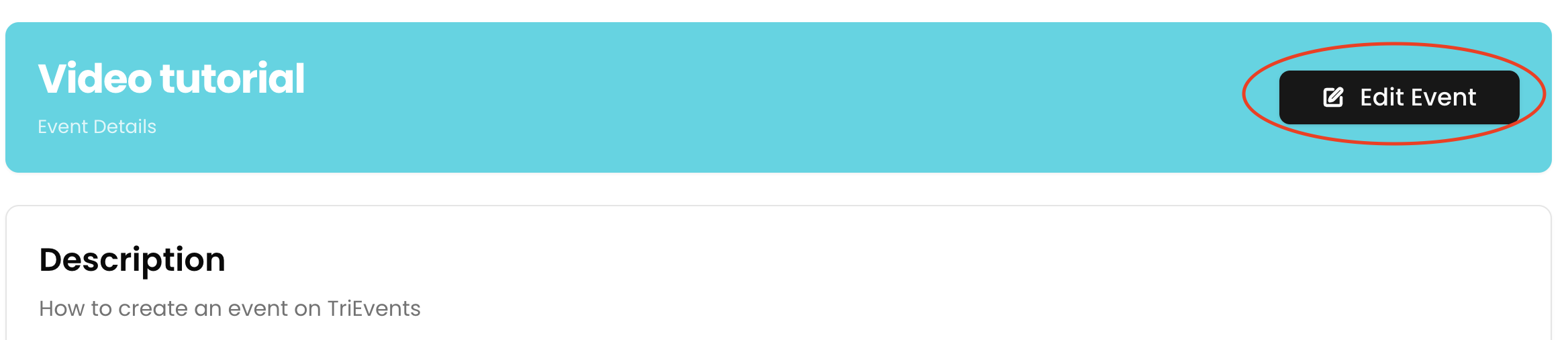
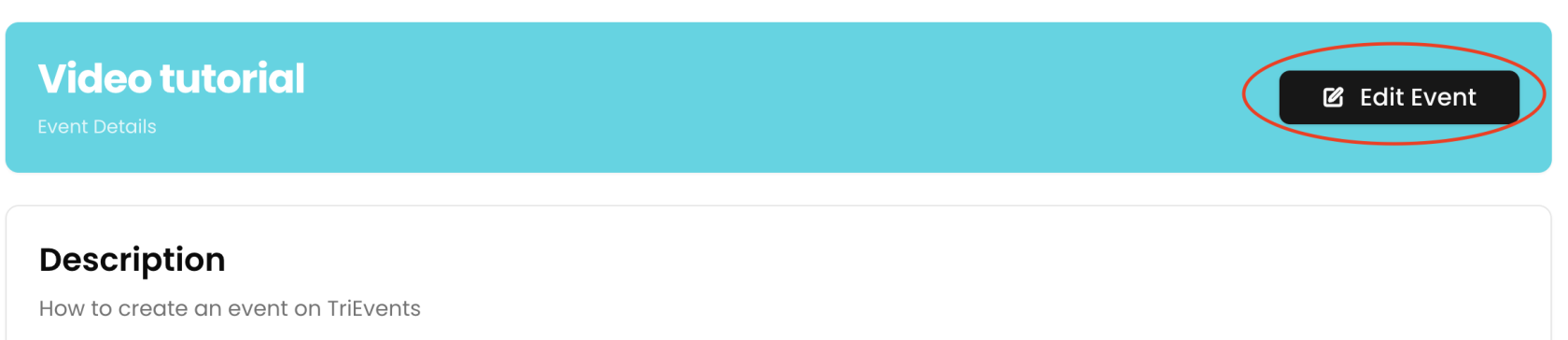
Click on the event you want to edit. - Select Edit Event
This opens the event editing interface.
- Make necessary changes to event information
Update any of the following:
-
-
Event title, description, date, or time
-
Location
-
Ticket tiers
- Optional features (To-Do List, Bursaries)
-
-
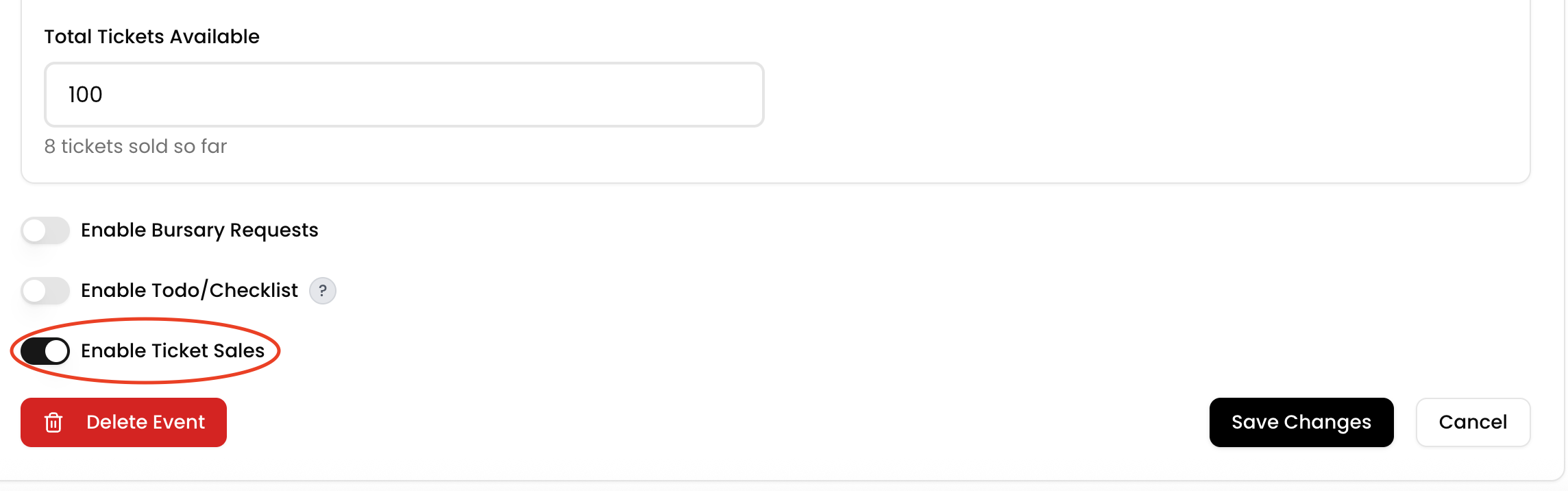
- (Optional) Disable ticket sales
Toggle off ticket sales if you no longer want to accept registrations.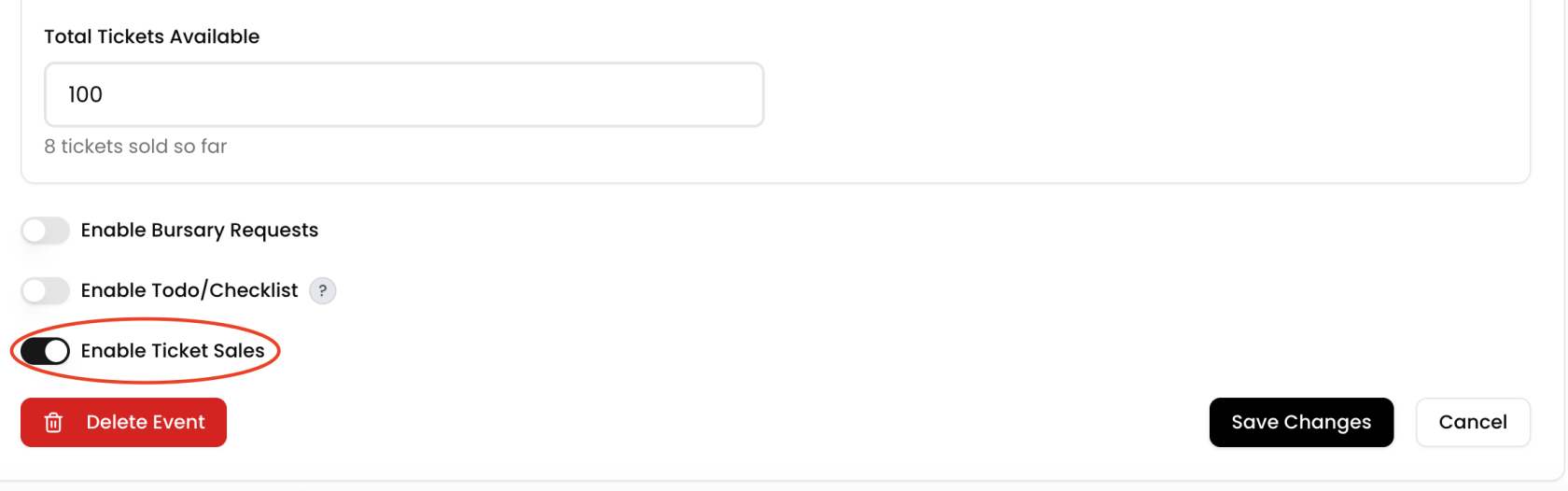
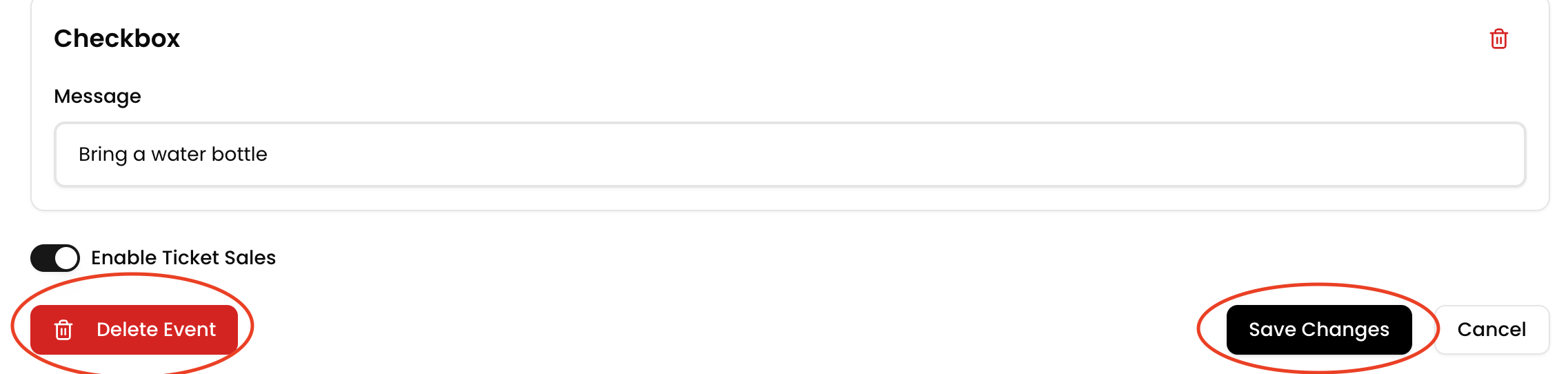
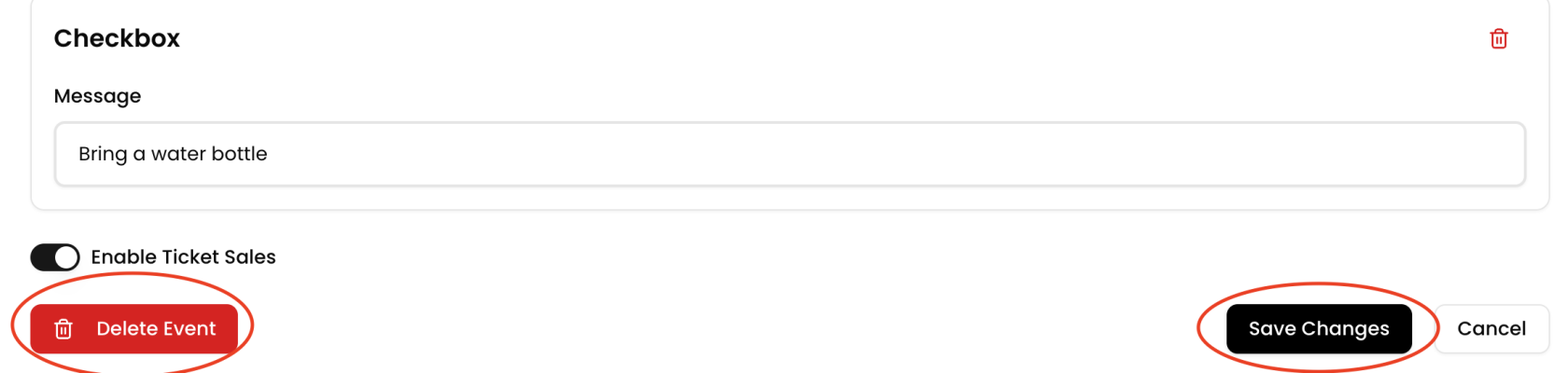
- Save or Delete
-
Click Save Changes to apply updates
-
Click Delete Event to remove it permanently
-