
FAQ
Summary
This guide walks you through some frequently asked questions and their answers.
What to do if my Organization Access Code leaks?
- Log in to your organization
Ensure you're signed in to your organization. - Navigate to the Members page
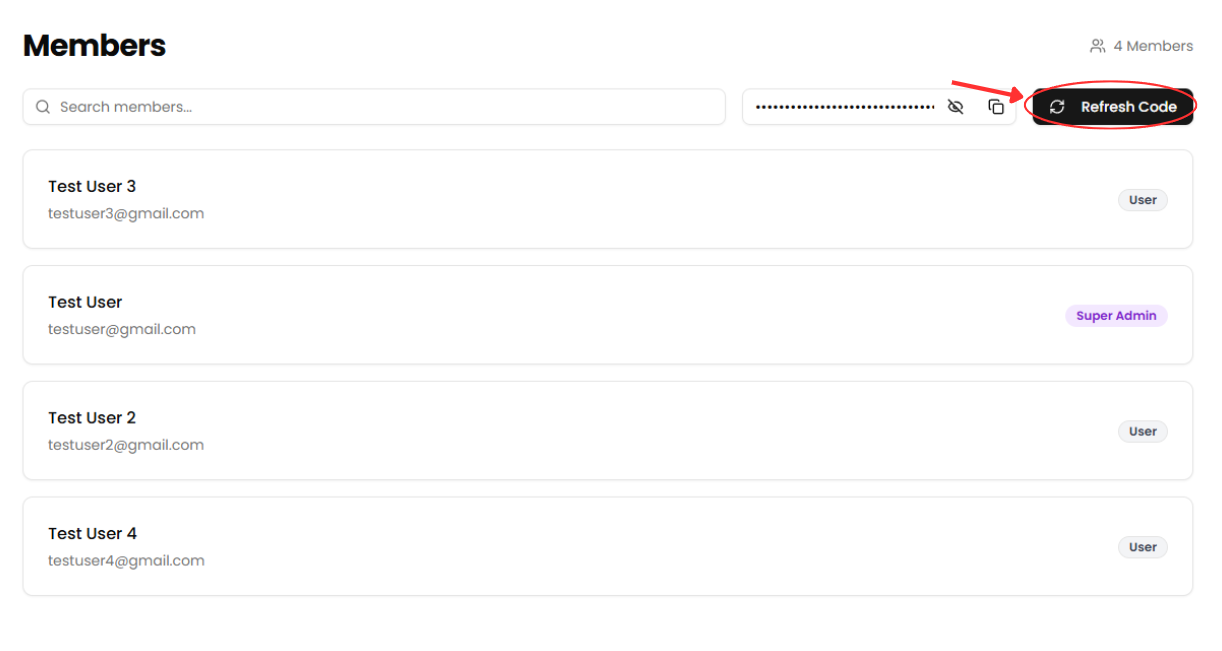
Use the sidebar to access the Members section. - Click "Refresh Code"
Select the Refresh Code button to receive a new organization access code and invalidate the old one.
What to do if a ticket fails to send?
- Log in to your organization
Ensure you're signed in to your organization. - Navigate to the Events Dashboard
Use the sidebar to access the Dashboard section. - Find Your Event in the Calendar View
Use the calendar to navigate to the date of your event. - Click on the Event Date
This will display all events scheduled for that day. - Select Your Event
Click on the event with the failed ticket. - Click "View Attendees"
Select the View Attendees button to view the attendees of the event. - Find the attendee with the failed ticket
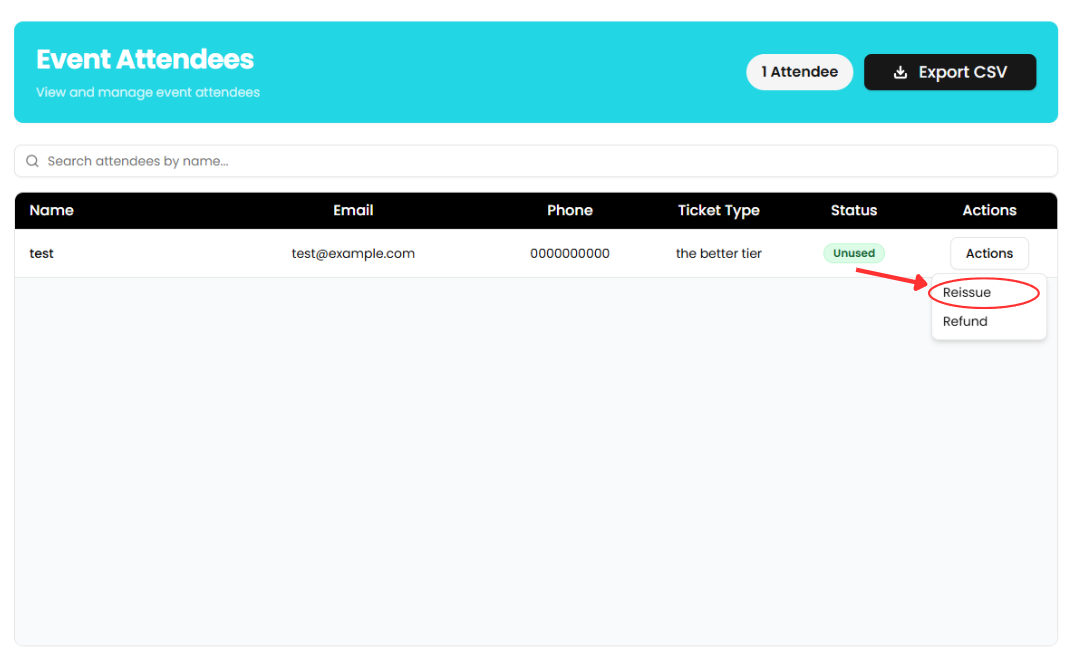
Scroll down the list of attendees or search by name to find the attendee who's ticket failed to send. - Reissue the attendee's ticket
Select the Actions button, select Reissue from the dropdown and enter the attendee's email. Ensure that the email is spelled correctly, then press the Reissue Ticket button.
What to do if my payouts aren't going through?
- Log in to your organization
Ensure you're signed in to your organization. - Navigate to the Finances page
Use the sidebar to access the Finances section. - Check for an alert
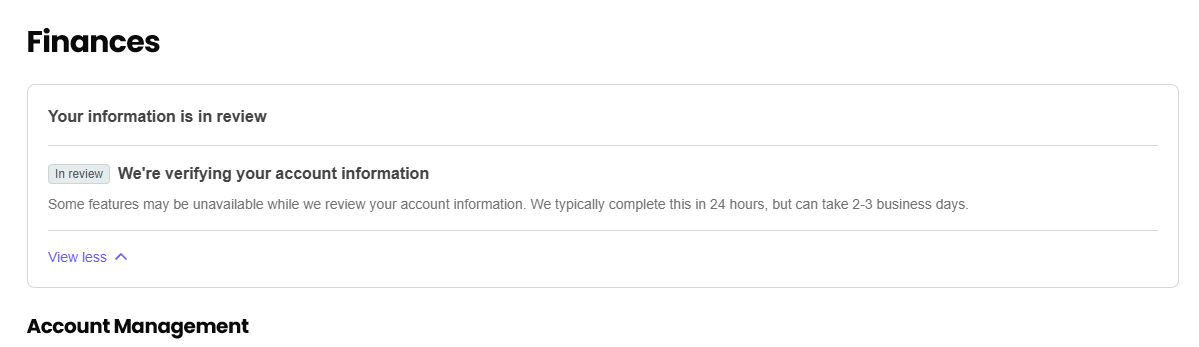
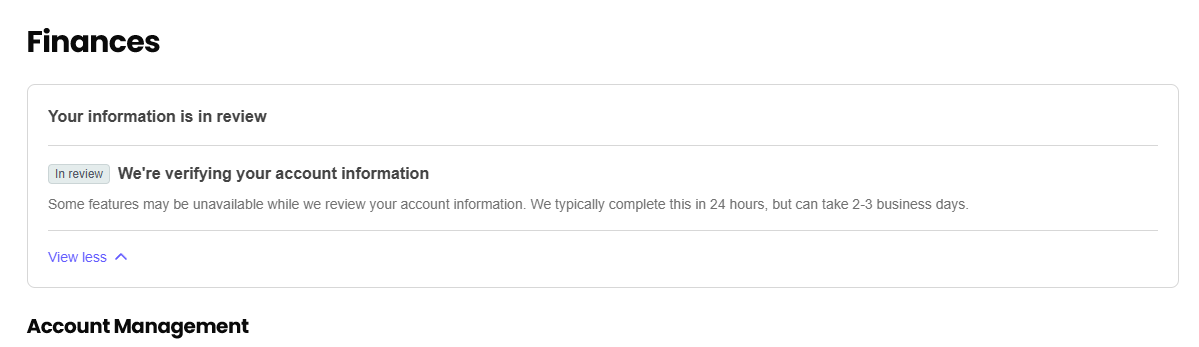
Check to see if there is an alert on the Finances page above the Account Management section. An example of an alert you could receive is asking for your ID. Complete the steps in the alert to start receiving payouts again.
What to do if I forget my password?
- Log in to your organization
Ensure you're signed in to your organization. - Navigate to the Events Dashboard
Use the sidebar to access the Dashboard section. - Click "Create Event"
Select the Create Event button to begin setting up a new event.