FAQ
Summary
This guide covers common questions and provides helpful answers for using TriEventsClikk Events effectively.
What to do if my Organization Access Code leaks?
- Log in to your organization
Ensure you're signed in to your organization’s dashboard. - Navigate to the Members page
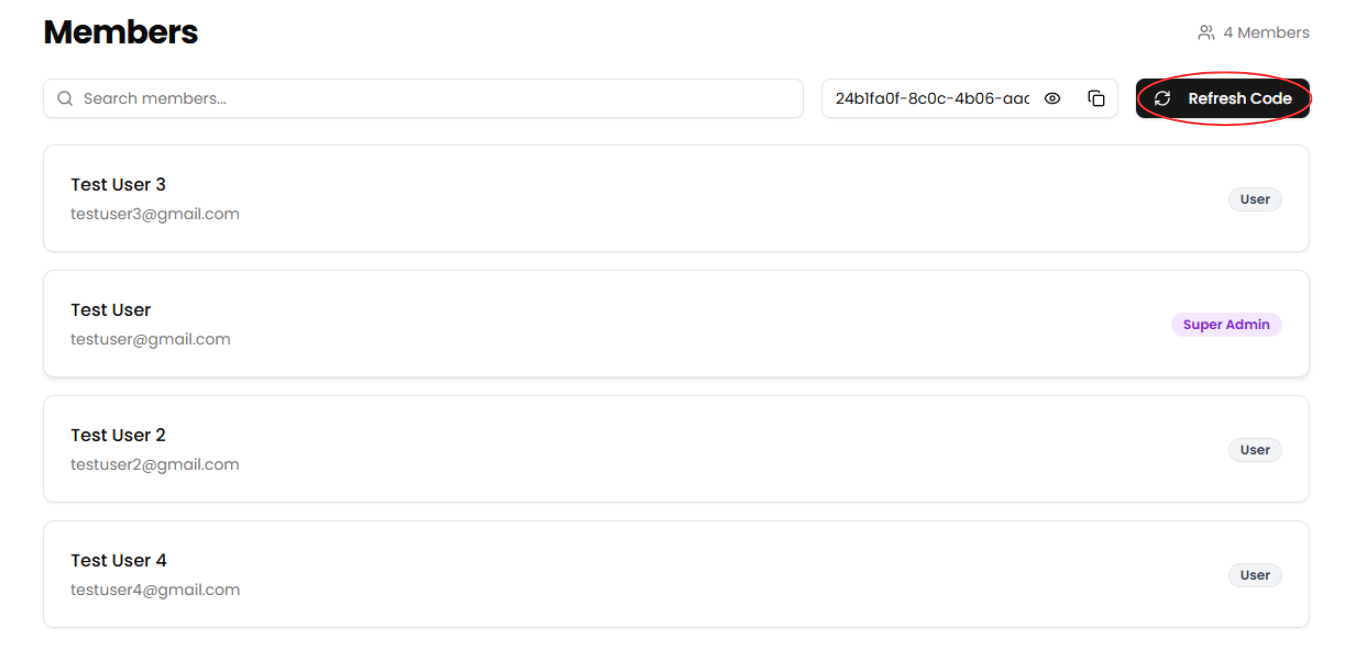
Use the sidebar to access the Members section. - Click "Refresh Code"
Select the Refresh Code button to generate a new organization access code. This will automatically invalidate the previous code.
What to do if a ticket fails to send?
- If a ticket doesn’t reach the attendee, use the Reissuing Ticket
What to do if my payouts aren't going through?
- Log in to your organization
Make sure you're signed in to your organization’s dashboard. - Navigate to the Finances page
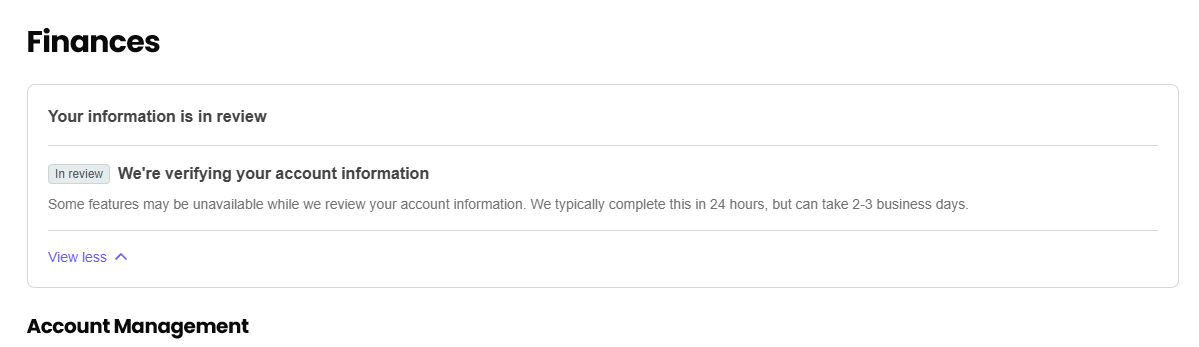
Use the sidebar to accessthethe Finances section. - Check for an alert
Look for any alert messages above the Account Management section.
What to do if I forget my password?
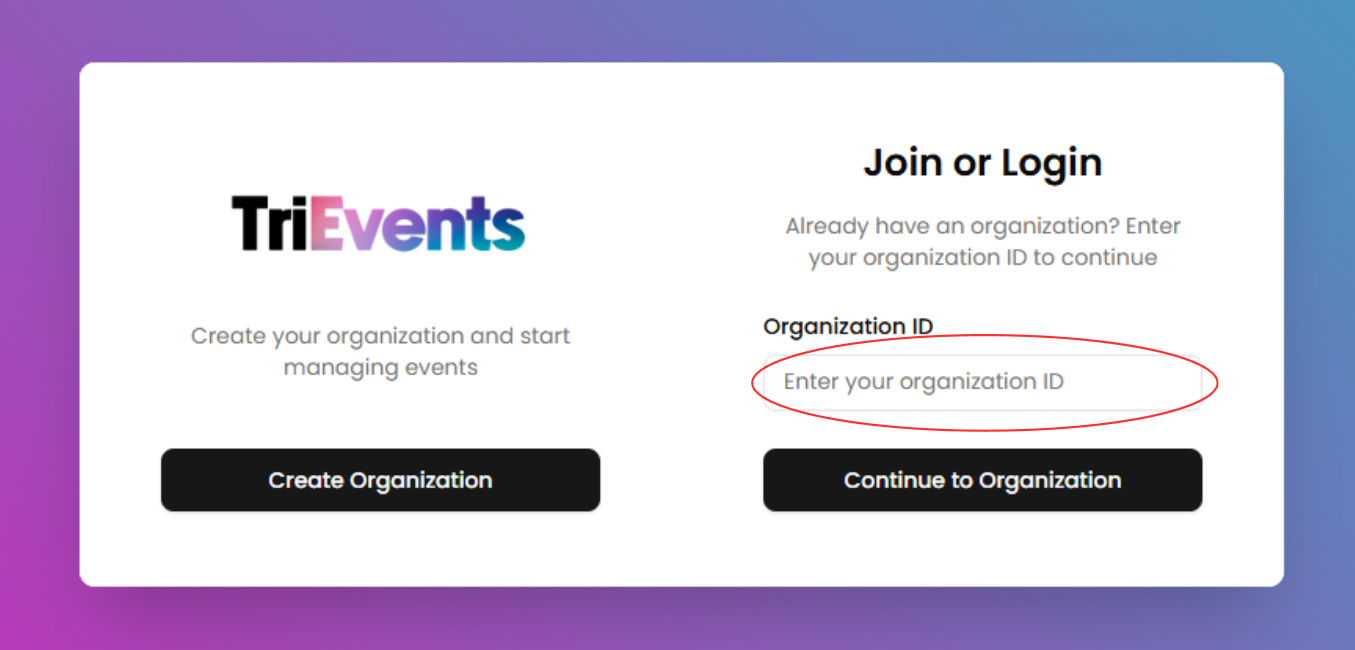
- Enter your Organization ID
On the authentication page, type your organization's OrganizationIDID into the designated field, then click Continue to Organization to proceed.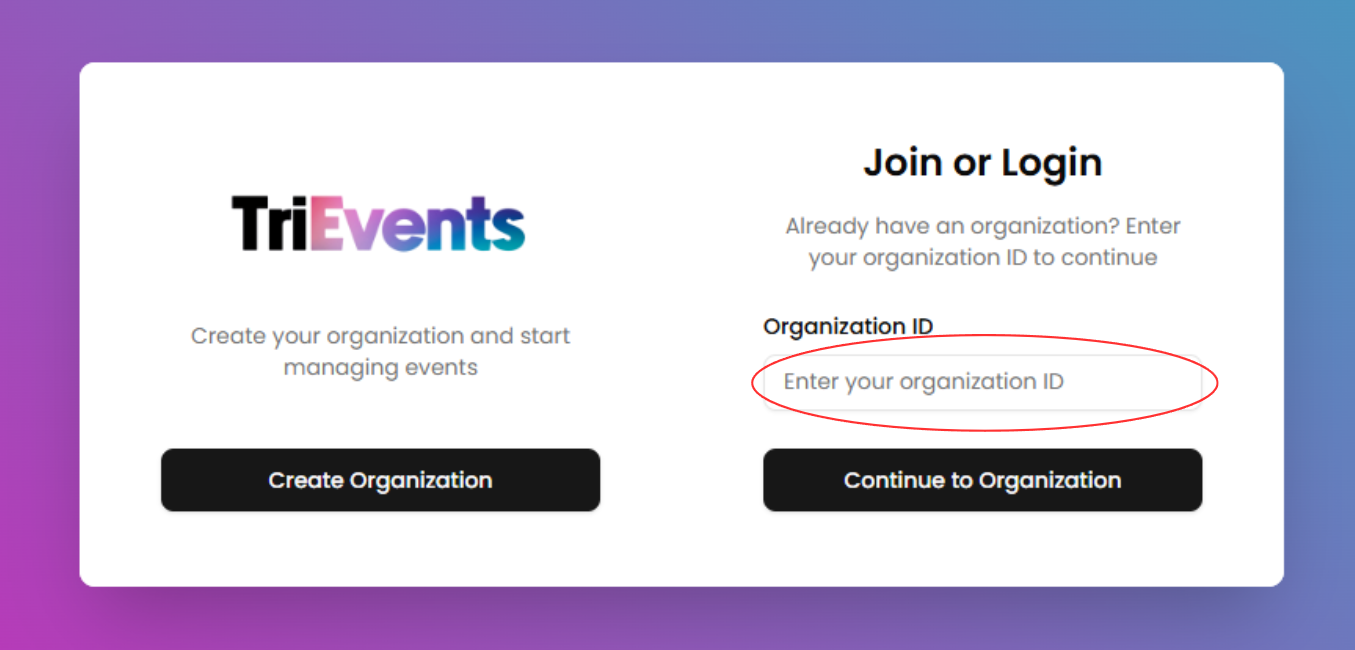
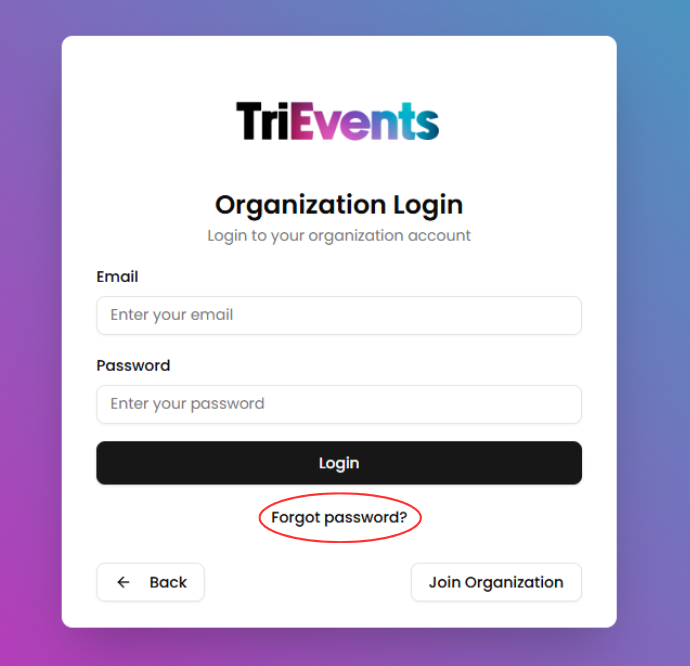
- Click "Forgot password?"
Selectthethe Forgot password?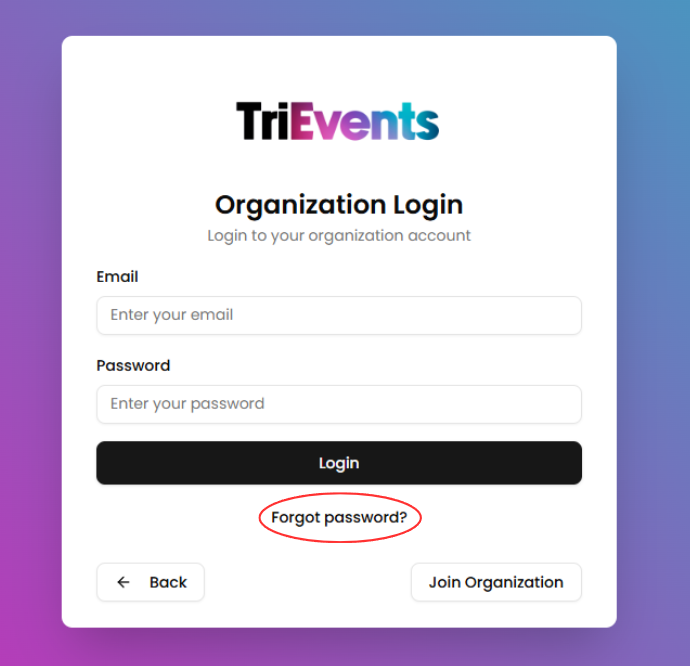
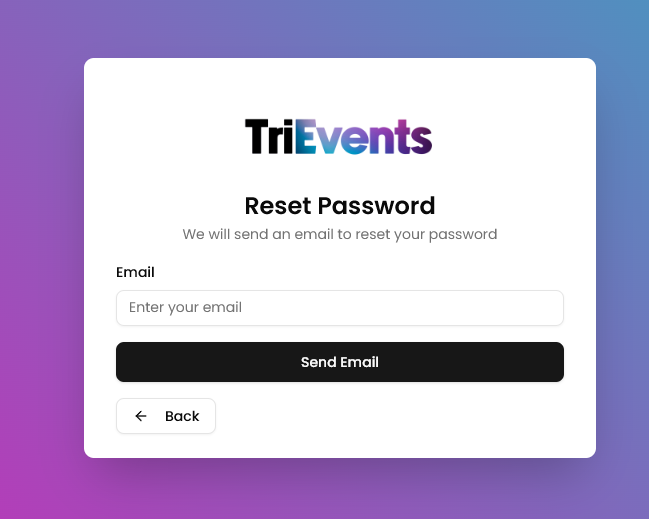
- Enter your Email Address
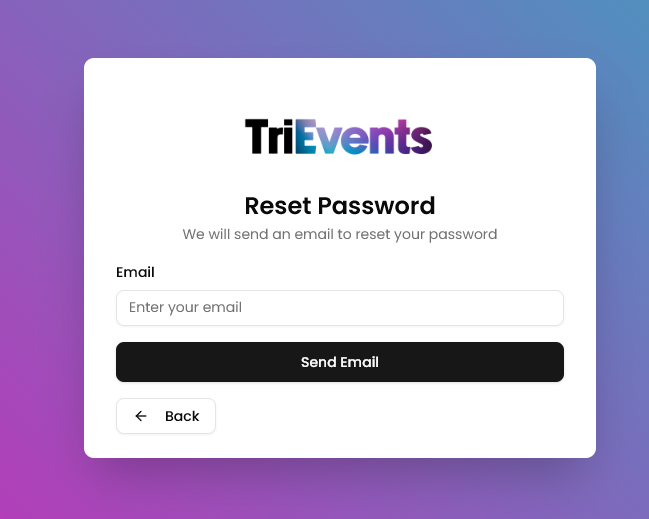
Type your email address into the field and click Send Email to receive a password reset link in your inbox.
- Open the Password Reset Email
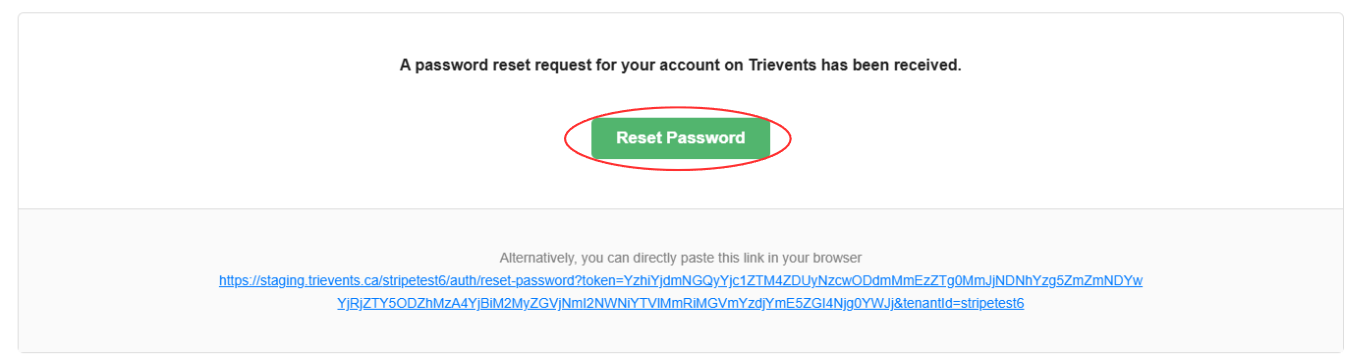
Open your inbox and find the password reset email. Click the Reset Password button inside the email to proceed.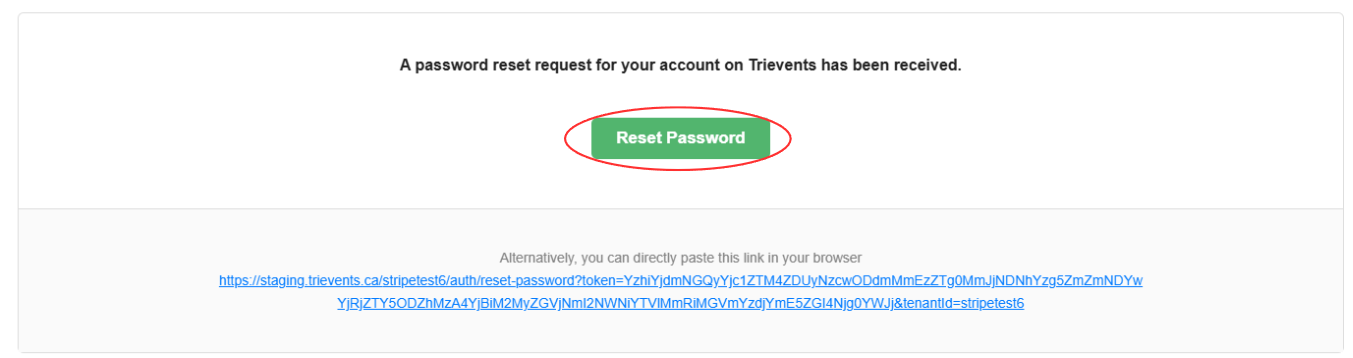
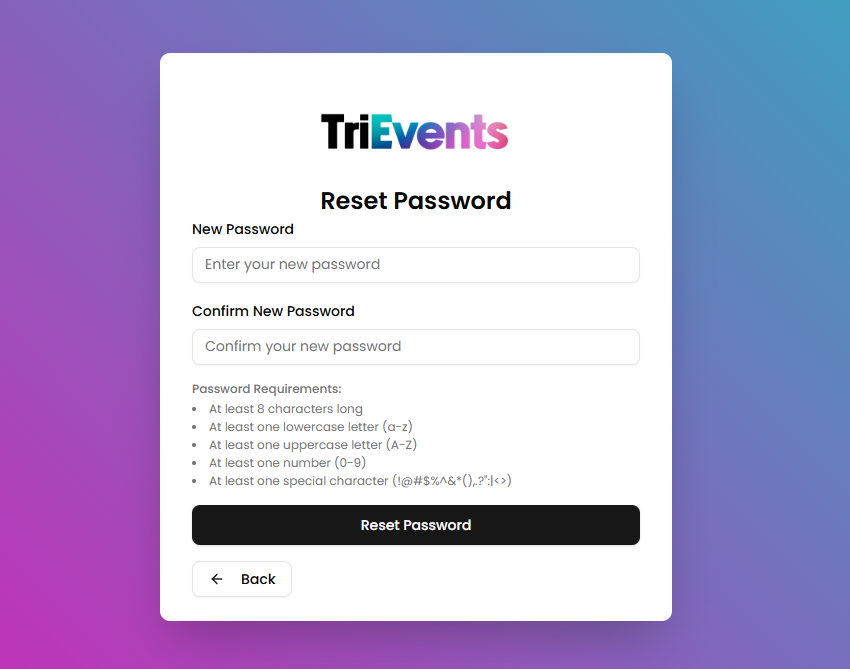
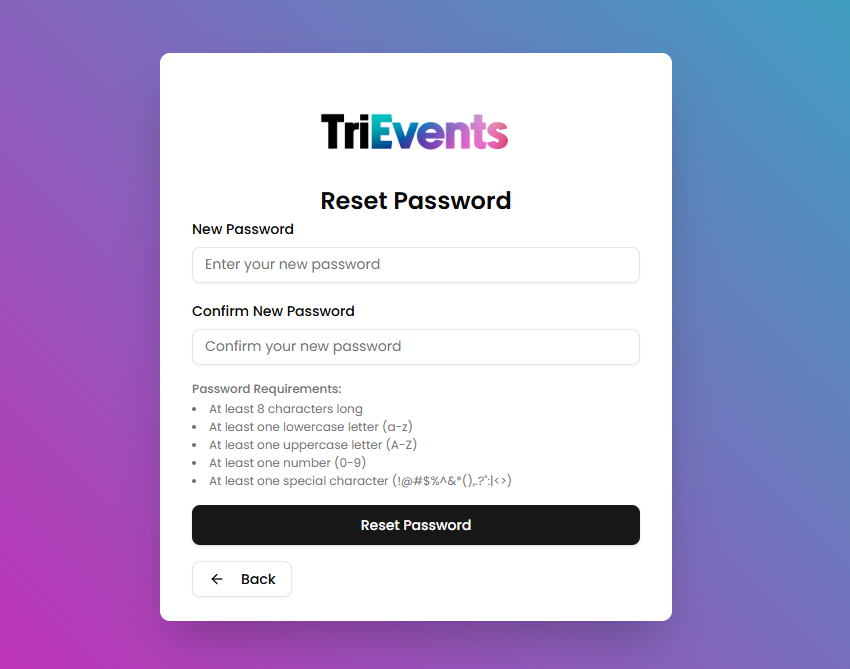
- Choose a New Password
Enter a new password into the fields and pressthethe ResetPasswordPassword button to reset your password.