Notifying Attendees
Feature Summary
The refunding ticket feature allows you to refund a ticket
Who can use this feature
All organization members are allowed to reissue tickets
How to send an email blast
- Log in to your organization
Ensure you're signed in to your organization. - Navigate to the Events Dashboard
Use the sidebar to access the Dashboard section. - Find Your Event in the Calendar View
Use the calendar to navigate to the date of your event. - Click on the Event Date
This will display all events scheduled for that day. - Select Your Event
Click on the event associated with the attendee who needs their ticket reissued. - Select “Notify Attendees”
Open the attendee list for your selected event.

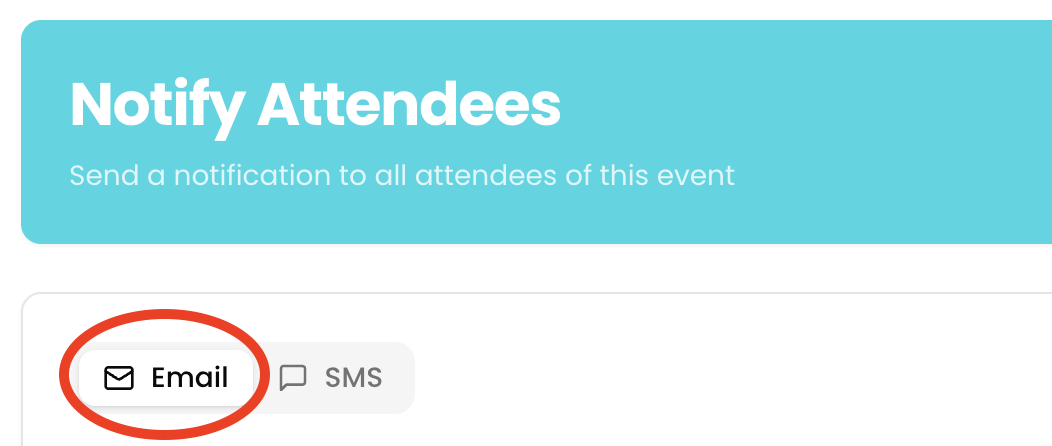
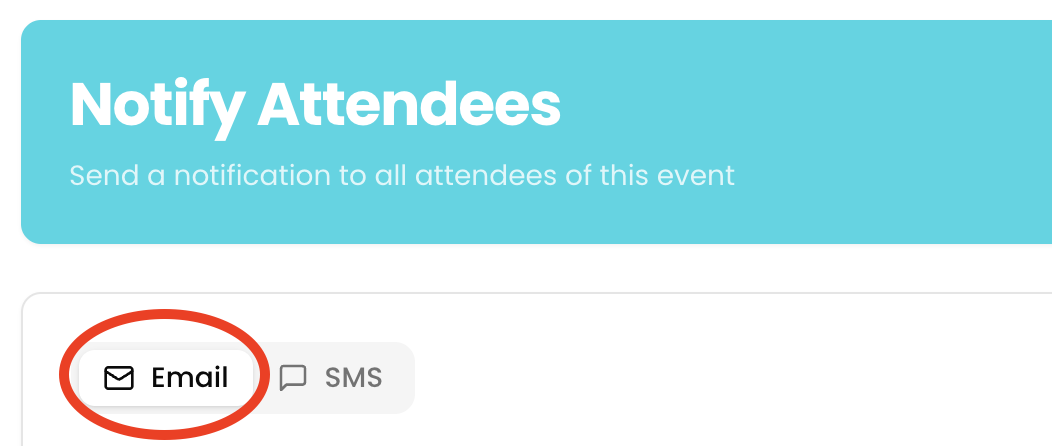
- Toggle to “Email”
Select the Email option as your notification method.
- Enter Subject
Add a clear and relevant subject line for your message.
- Compose Your Message
Write the content you’d like to send to attendees. - Click “Send Email”
Review your message and click "Send Email" to notify all registered attendees.

How to send an SMS blast
- Log in to your organization
Ensure you're signed in to your organization. - Navigate to the Events Dashboard
Use the sidebar to access the Dashboard section. - Find Your Event in the Calendar View
Use the calendar to navigate to the date of your event. - Click on the Event Date
This will display all events scheduled for that day. - Select Your Event
Click on the event associated with the attendee who needs their ticket reissued. - Select “Notify Attendees”
Open the attendee list for your selected event.

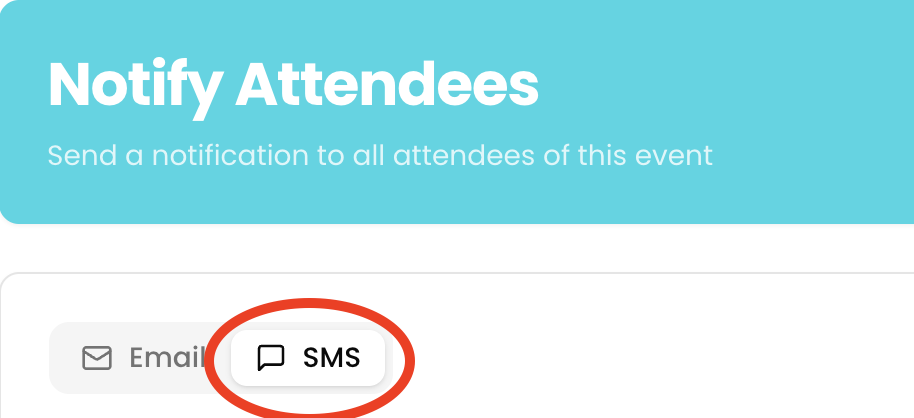
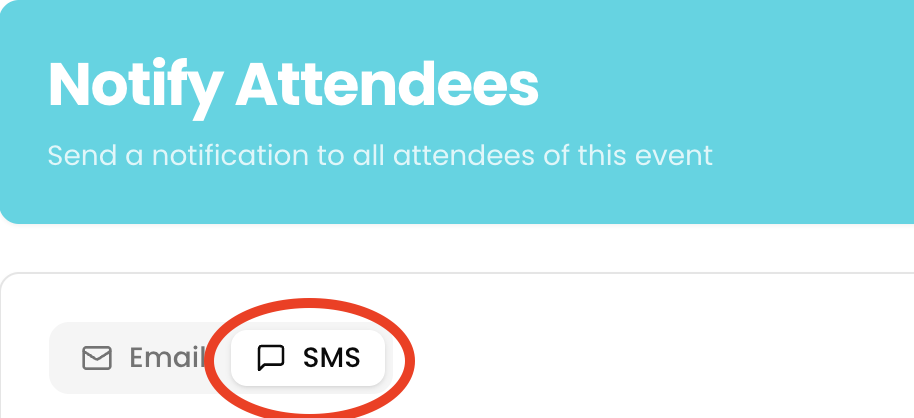
- Toggle to “SMS”
Select the SMS option as your notification method.
- Compose Your Message
Write the content you’d like to send to attendees. - Click “Send SMS”
Review your message and click "Send SMS" to notify all registered attendees.