Notifying Attendees
Feature Summary
Keep attendees informed with built-in email and SMS notifications. This feature lets you quickly send updates, reminders, or important announcements to all event participants.
Who can use this feature
All organization members are allowed to notify attendees
Video Tutorial
How to send an email blast
- Log in to your organization
Ensure you're signed in to your organization. - Navigate to the Events Dashboard
Use the sidebar to access the Dashboard section. - Find Your Event in the Calendar View
Use the calendar to navigate to the date of your event. - Click on the Event Date
This will display all events scheduled for that day. - Select Your Event
Click on the event associated with the attendee who needs their ticket reissued. - Select “Notify Attendees”
Open the attendee list for your selected event.

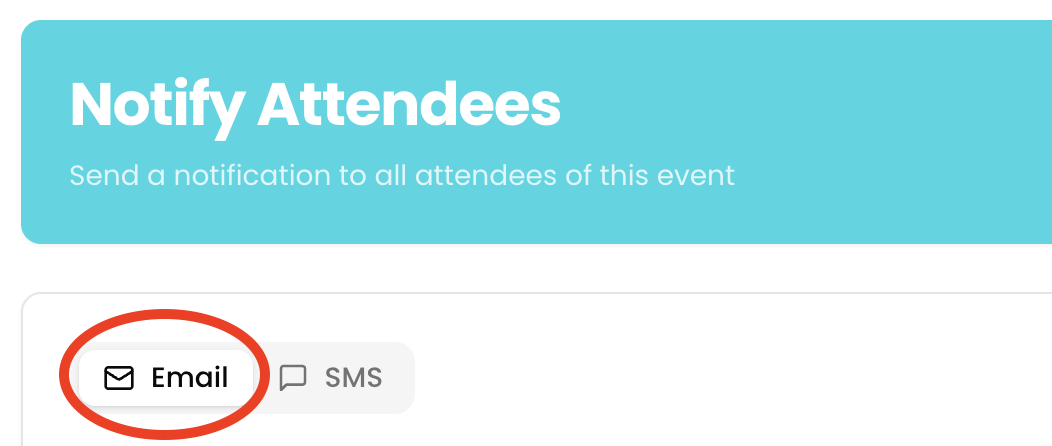
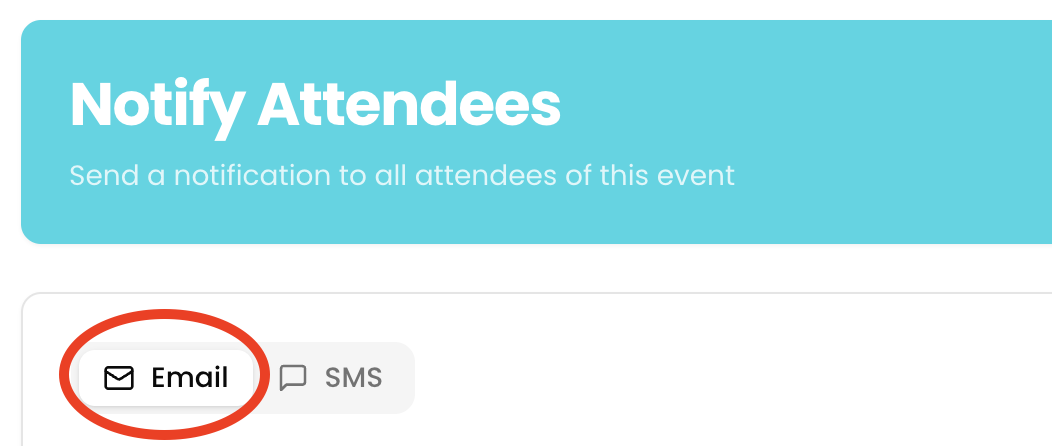
- Toggle to “Email”
Select the Email option as your notification method.
- Enter Subject
Add a clear and relevant subject line for your message.
- Compose Your Message
Write the content you’d like to send to attendees. - Click “Send Email”
Review your message and click "Send Email" to notify all registered attendees.

How to send an SMS blast
- Log in to your organization
Ensure you're signed in to your organization. - Navigate to the Events Dashboard
Use the sidebar to access the Dashboard section. - Find Your Event in the Calendar View
Use the calendar to navigate to the date of your event. - Click on the Event Date
This will display all events scheduled for that day. - Select Your Event
Click on the event associated with the attendee who needs their ticket reissued. - Select “Notify Attendees”
Open the attendee list for your selected event.

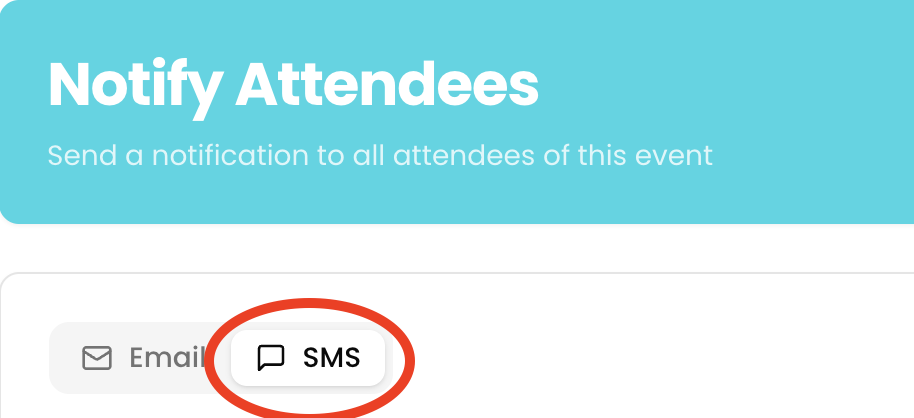
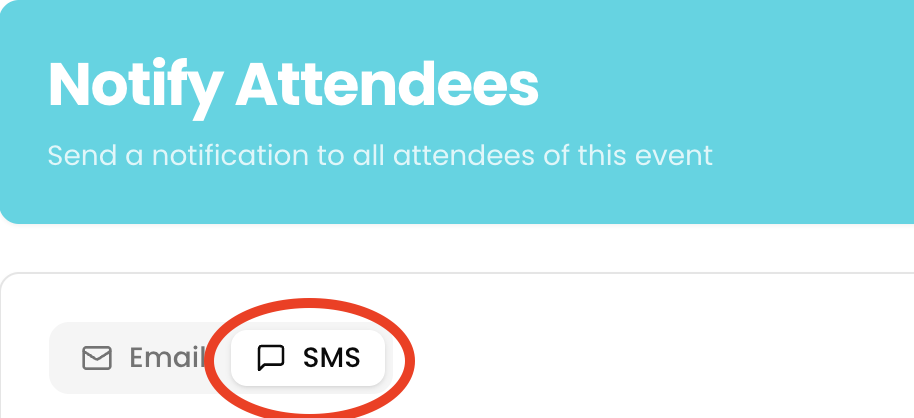
- Toggle to “SMS”
Select the SMS option as your notification method.
- Compose Your Message
Write the content you’d like to send to attendees. - Click “Send SMS”
Review your message and click "Send SMS" to notify all registered attendees.