Reissuing tickets
Feature Summary
The reissue ticket feature allows you to resend tickets to a corrected email address if an attendee entered the wrong one during registration. This ensures attendees receive their tickets without needing to re-register.
Who can use this feature
All organization members are allowed to reissue tickets
Video Tutorial
How to reissue a ticket
- Log in to your organization
Ensure you're signed in to your organization. - Navigate to the Events Dashboard
Use the sidebar to access the Dashboard section. - Find Your Event in the Calendar View
Use the calendar to navigate to the date of your event. - Click on the Event Date
This will display all events scheduled for that day. - Select Your Event
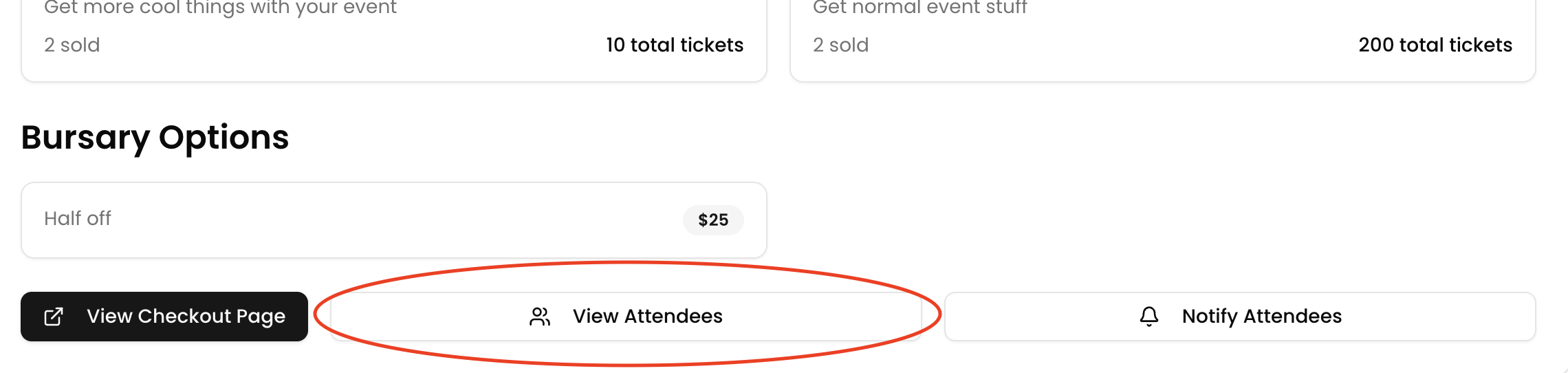
Click on the event associated with the attendee who needs their ticket reissued. - Select “View Attendees”
Open the attendee list for your selected event.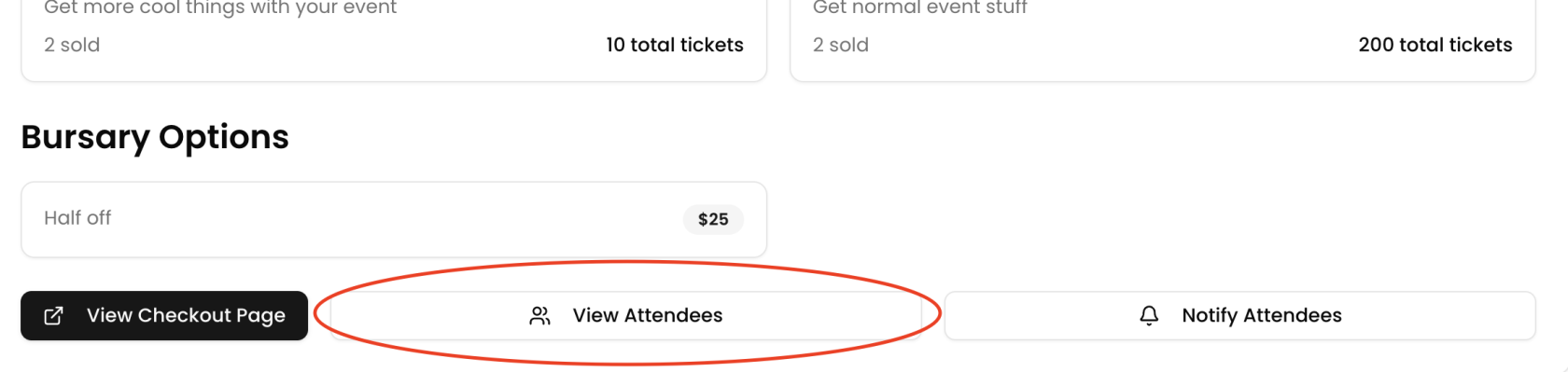
- Find the Attendee
Locate the attendee who needs their ticket reissued.
- Click the Action Button
Click the action button next to their name.
- Choose “Reissue”
Select Reissue from the dropdown options.
- Enter the New Email Address
Input the correct or updated email address. - Click “Reissue Ticket”
The updated ticket will be sent to the new email.